
Buy your water credit
Use the registered reference for your meter. Find the 20-digit credit token on your voucher receipt. Contact us to confirm available purchase channels.
YOUR PREPAID WATER GUIDE
Practical help for the water meter and customer keypad
shown here. For another meter, contact us for guidance.
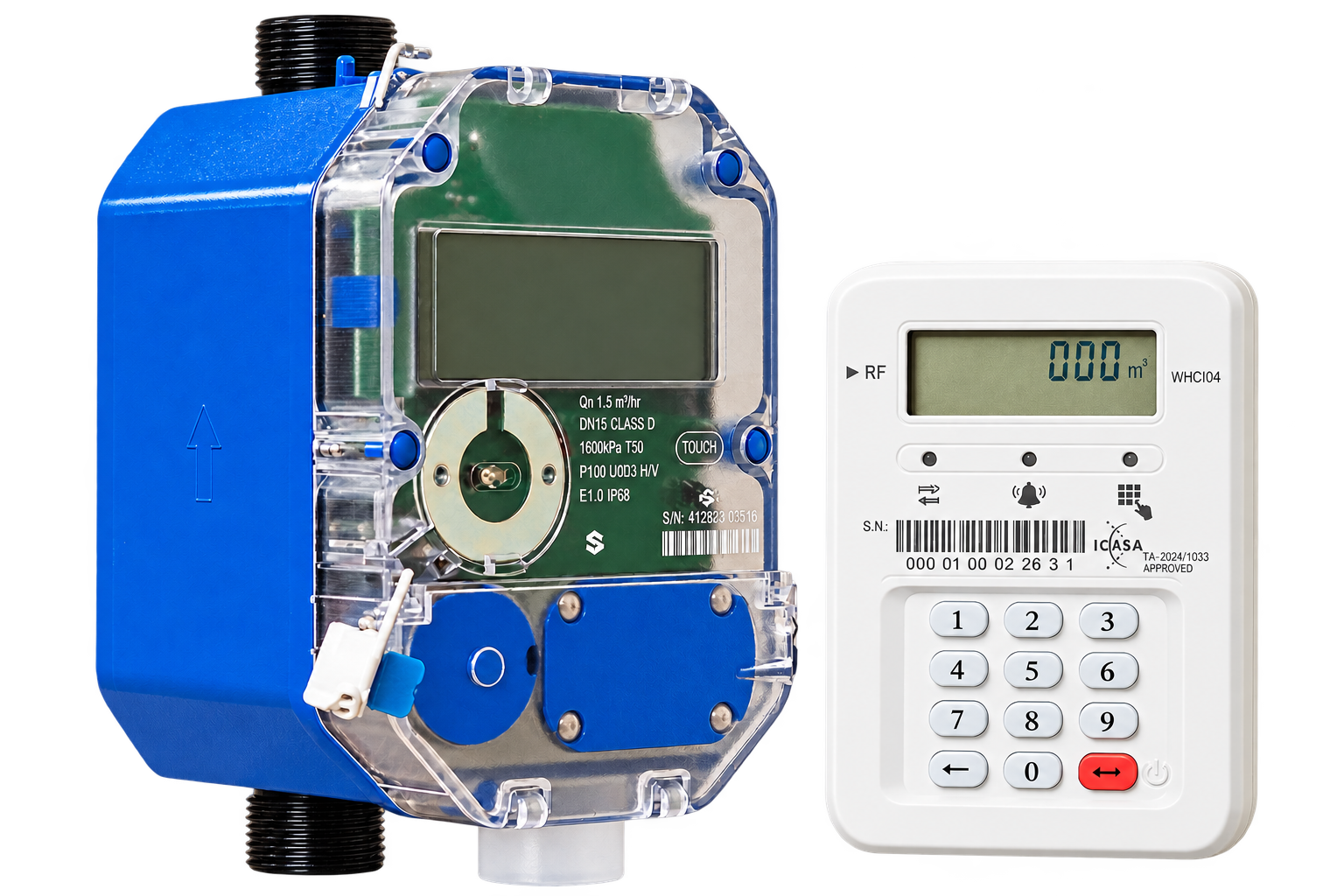
Use your recorded meter number or registered vending reference when buying water credit. Your keypad has a separate serial number.
EVERYDAY USE / LOADING CREDIT
Keep your receipt until you’ve checked
that the token has been accepted.
Use the registered reference for your meter. Find the 20-digit credit token on your voucher receipt. Contact us to confirm available purchase channels.
Hold Enter to wake the keypad. Type all 20 digits, then press Enter. Wait while the keypad communicates with the meter.
GOOD after a credit token confirms acceptance. If you see another message, note exactly what it says and keep the receipt.
KEYPAD QUESTIONS, ANSWERED
Have your meter number, voucher receipt and a photo of the exact message ready when you contact us.
Call 031 942 4277Use your recorded meter number or registered vending reference. The keypad (CIU) has its own serial number, which is separate from the meter number. If you are unsure which reference to use, contact National Prepaid Utilities before buying.
Contact us to confirm the purchase channels available for your registered meter or vending reference. Keep your voucher receipt so we can help if there is a problem.
Hold Enter to wake the keypad. If the screen remains blank, replace both AAA alkaline batteries and check the + and − markings inside the battery compartment. Keep the keypad indoors and dry.
For the water meter and keypad shown in this guide, GOOD after entering a credit token means the token has been accepted and the credit loaded.
USED means the token has already been accepted. OLD means the meter cannot accept an older token. For REJECT, check the digits and your meter reference. Contact us with the exact message and your voucher receipt if you need help. Do not buy another voucher simply to clear an error.
Move the keypad closer to the meter and retry. If communication still fails or Error-77 remains, contact us so we can check the pairing. Have your meter number and a photo of the exact message ready.
Water meters must be installed by a registered plumber. Ask your installer to test the installation, show you how to load credit, and record your meter number and vending reference at handover.
INSTALLATION & HANDOVER
Water meters must be installed by a registered plumber. Before handover, ask your installer to test the installation, demonstrate a top-up and record your meter number and vending reference.